

Find it in Darwin Experiments → Overview, Pages, or History Open this screen ↗
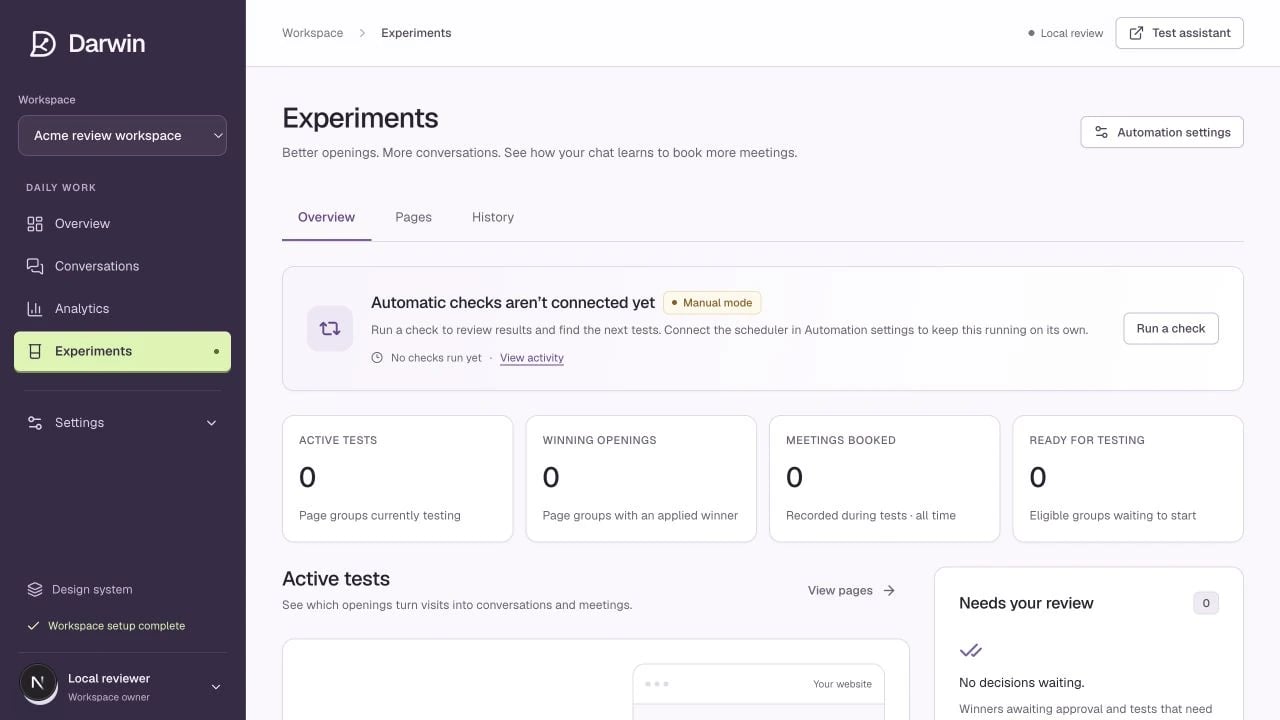
Experiments shows automation state, work needing attention, and active tests.
Screenshots use a demonstration workspace. Your data, plan, and activation status may differ.
Open an experiment to compare its original opening with challengers. Review the target page, hypothesis, copy, impressions, chats, meetings, and the decision reason together.Read the numbers
Available actions
- Check results evaluates the available evidence without waiting for the next scheduled check.
- Pause stops a running test; Resume makes a paused test eligible to run again.
- Apply winner publishes a selected winner for its target. If automatic promotion is on, Darwin can do this for qualifying results.
- Archive releases a non-running test’s place so another test can be considered.