Find it in Darwin Settings → Automation Open this screen ↗
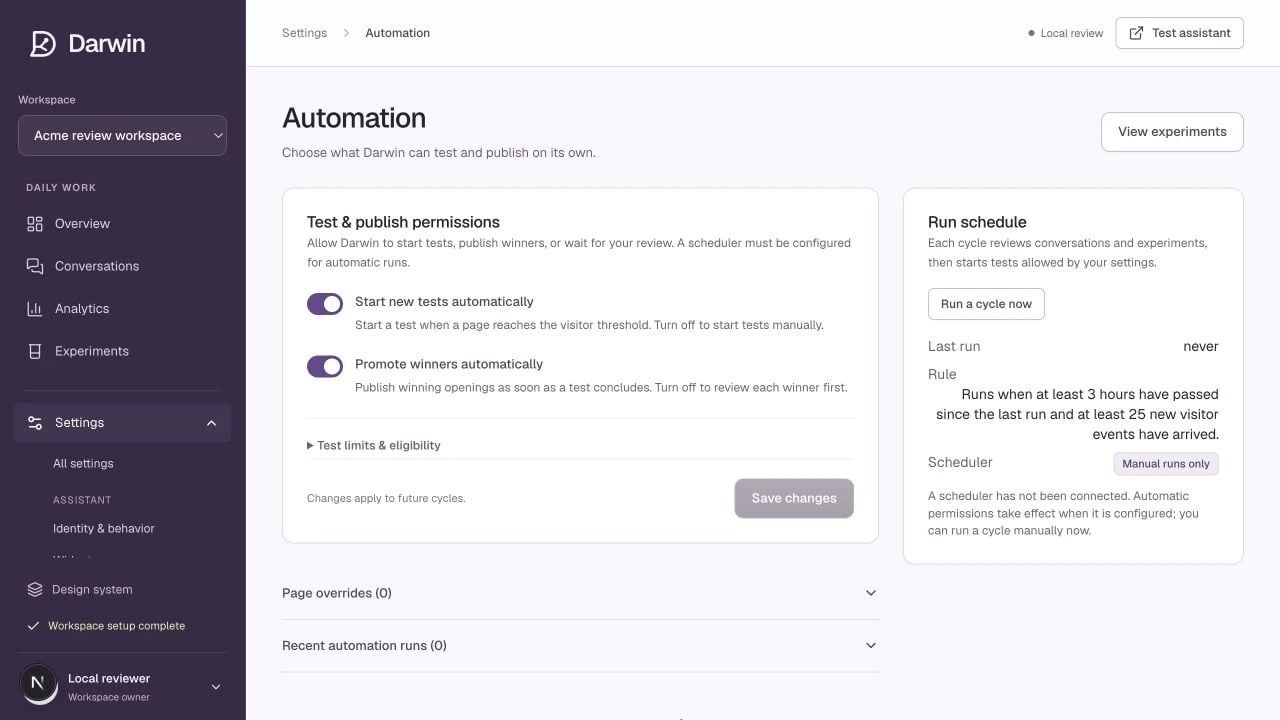
Automation separates decision permissions from the actual check schedule.

Automation separates decision permissions from the actual check schedule.

Screenshots use a demonstration workspace. Your data, plan, and activation status may differ.

Two independent permissions

Review the controls on the screen and select Save changes. Changes are saved together rather than each time you edit a number.

Read the automation state

Use the schedule card to see when a check last ran. A manual check can evaluate current results and look for new opportunities, but it does not repair a missing scheduler.

Traffic and concurrent-test limits

The traffic threshold keeps very quiet pages from splitting too little traffic across variants. The concurrency cap limits how many tests run together. Lowering thresholds does not create evidence; it can make comparisons take longer. Page overrides lists prioritized pages. Use priority for a deliberate exception, not as a way to force every page into testing. Recent automation runs show what Darwin considered and why it acted or waited. Review page coverage → · Troubleshoot automation →