

Find it in Darwin Settings → Team & access Open this screen ↗
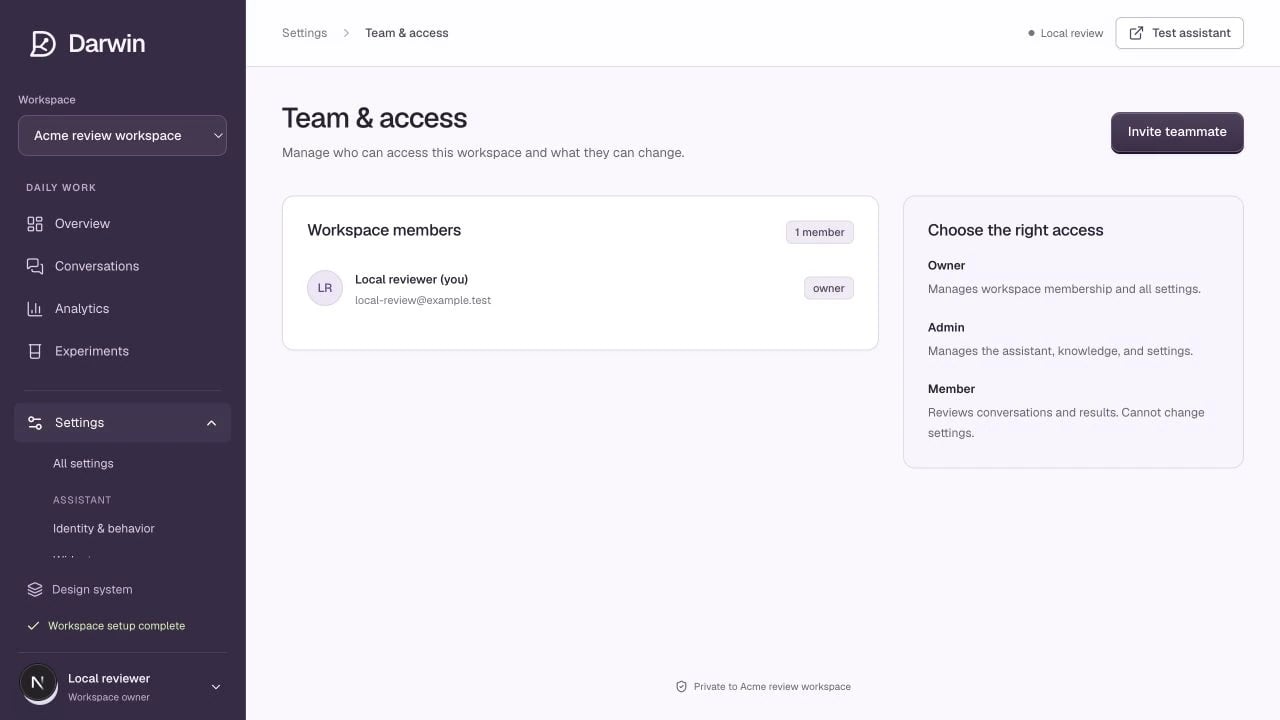
Team and access lists workspace members and explains each role.
Screenshots use a demonstration workspace. Your data, plan, and activation status may differ.
Roles
Invite a teammate
1
Create the invitation
As an owner, select Invite teammate, enter the person’s email address, and choose Member or Admin. Select Create invitation link.
2
Share the link
Copy the generated link and send it privately to that teammate. Darwin explicitly shows that no invitation email has been sent; creating the link does not send one automatically.
3
Have the teammate accept
The recipient must sign in with the invited email address. The invitation expires after seven days. If it has expired or the email is wrong, create a new invitation for the correct address.