

Find it in Darwin Settings → Scheduling Open this screen ↗
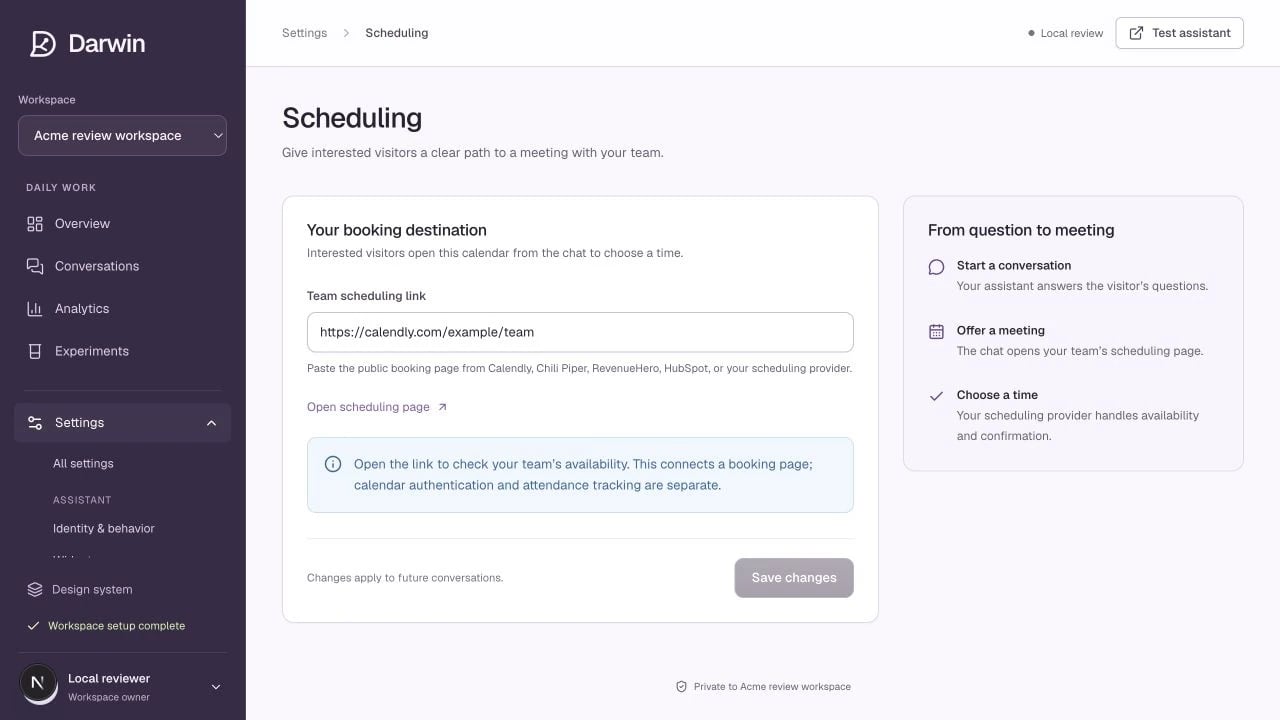
Scheduling has one destination field and a guide to checking the booking flow.
Screenshots use a demonstration workspace. Your data, plan, and activation status may differ.
Paste your public HTTPS booking page into Team scheduling link, then select Save changes. Use the page visitors should actually book through, rather than a provider dashboard URL that requires your login. Darwin can use a public booking link from Calendly, Chili Piper, RevenueHero, HubSpot, or another provider. Availability, routing, calendars, and time zones are controlled in that provider.What the visitor experiences
- The visitor asks to book or accepts an offer to speak with your team.
- Darwin collects the contact details needed by the booking flow.
- The visitor sees the scheduling destination and chooses a time.
- The scheduling provider confirms the appointment.
Test it end to end
- Open the booking URL while signed out of the scheduling provider.
- Confirm that the right team, meeting type, availability, and time zone appear.
- Test the journey through Darwin using a test appointment your team can recognize.
- Confirm the appointment in your calendar and check the conversation outcome in Darwin.
- Confirm the billable booking in Plan & usage when live billing is enabled.