

Find it in Darwin Integrations → CRM & automation → Zapier Open this screen ↗
These connections run through Zapier: Darwin’s Zapier app starts the Zap and the other app’s Zapier integration does the work. You choose which fields go where. A two-step Zap (Darwin plus one action) works on Zapier’s free plan; extra steps need a paid plan.
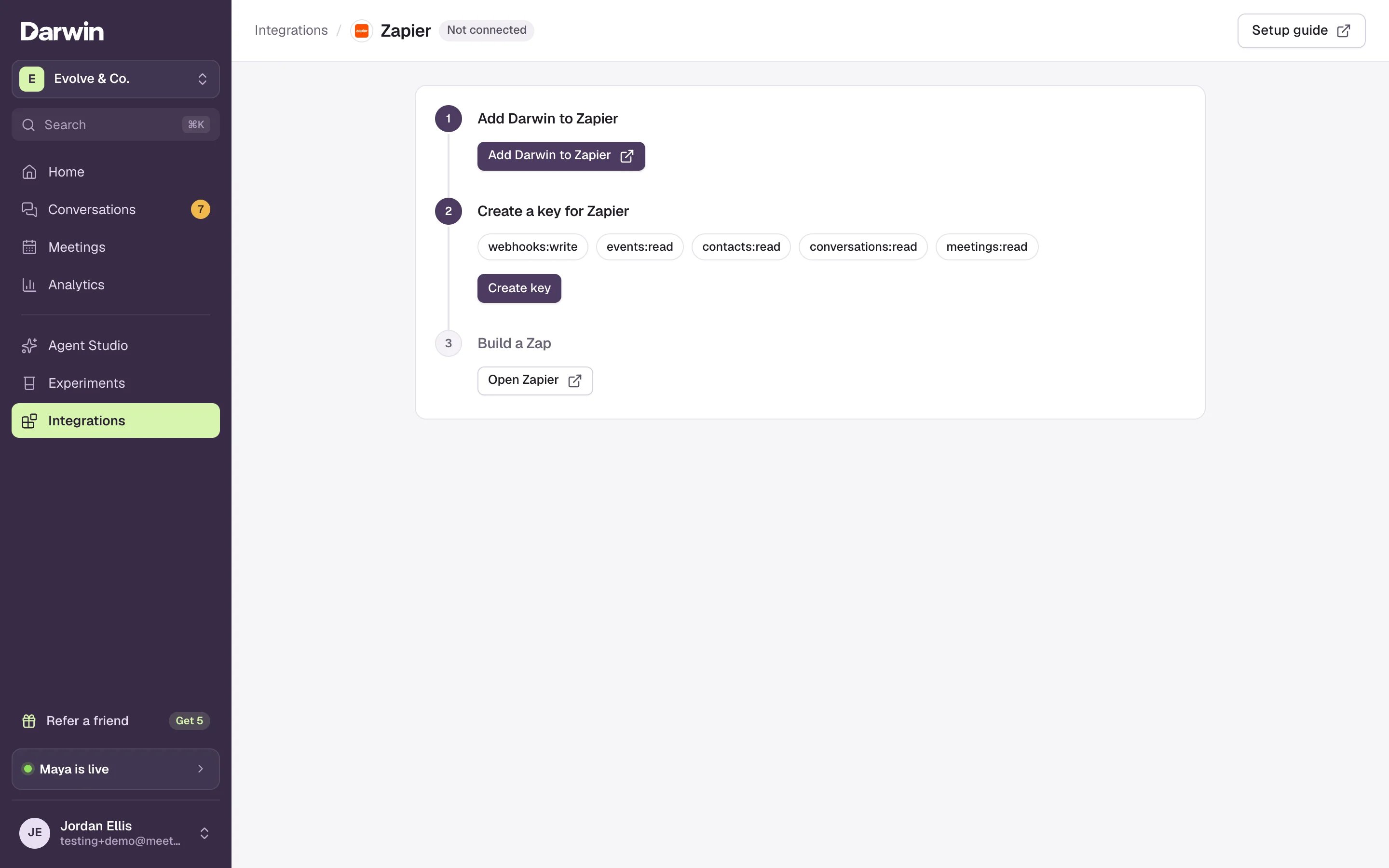
Integrations → Zapier: the three steps every recipe below starts from.
Set up once
1
Add Darwin to Zapier and create a key
Open Integrations → Zapier, select Add Darwin to Zapier and accept the invite, then create a key for Zapier. Connect Zapier walks through both.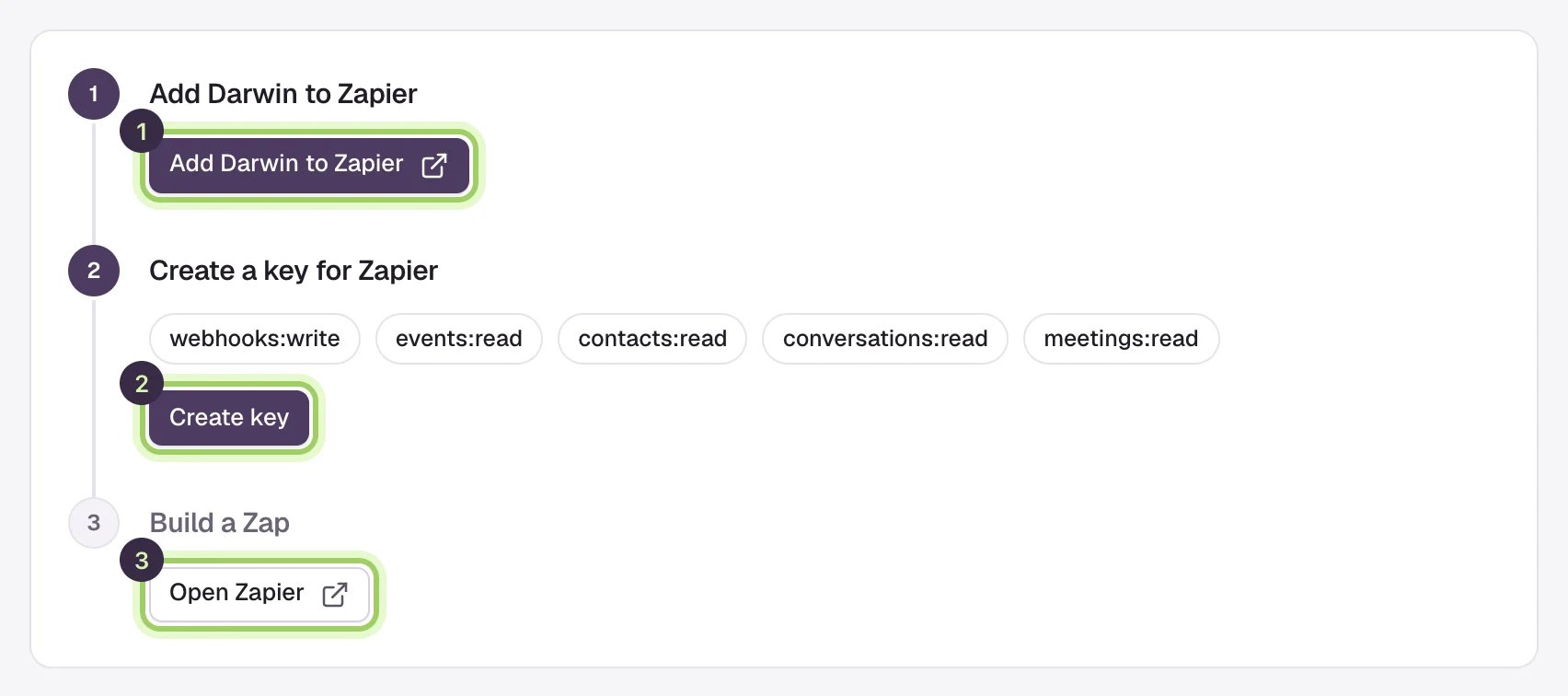
2
Start a Zap with a Darwin trigger
In Zapier, create a Zap, choose Darwin and the trigger named in the recipe below, usually New Lead. Connect your Darwin account with the key and select Test trigger to load a sample.
3
Add the action, map the fields, publish
Add the action from the recipe, map Darwin’s fields, test it, and publish. A lead carries Email, First name, Last name, Company and Phone when the visitor gave them, plus Page URL, Traffic source, the UTM values, Darwin’s grade and Darwin url, a link to the conversation.
Pick your app
Each app has its own guide with the Zap to build and the fields to map.HubSpot
New Lead → Create or Update Contact.
Salesforce
New Lead → Create Lead.
Pipedrive
New Lead → Create Person.
Slack
Visitor Asked for a Person → Send Channel Message.
Microsoft Teams
Visitor Asked for a Person → Send Channel Message.
Mailchimp
New Lead → Add/Update Subscriber.
ActiveCampaign
New Lead → Create or Update Contact.
Klaviyo
New Lead → Create Or Update Profile.
Good to know
- Zaps act on leads from the moment you turn them on. Earlier leads are in Conversations, which you can export as a CSV.
- Preview conversations in Agent Studio never start a Zap. Test with a real chat on your website, or with the samples from Test trigger.
- Can’t find Darwin in Zapier? Open the invite link from Connect Zapier while signed in to the Zapier account you build Zaps in.
Connect Zapier
All Darwin triggers, actions and the key setup.
Read visitor conversations
Find leads and copy a follow-up list.