

Find it in Darwin Integrations Open this screen ↗
Everything Darwin connects to is on one screen. The two cards at the top tell you whether Darwin is on your website and whether visitors can book a meeting.
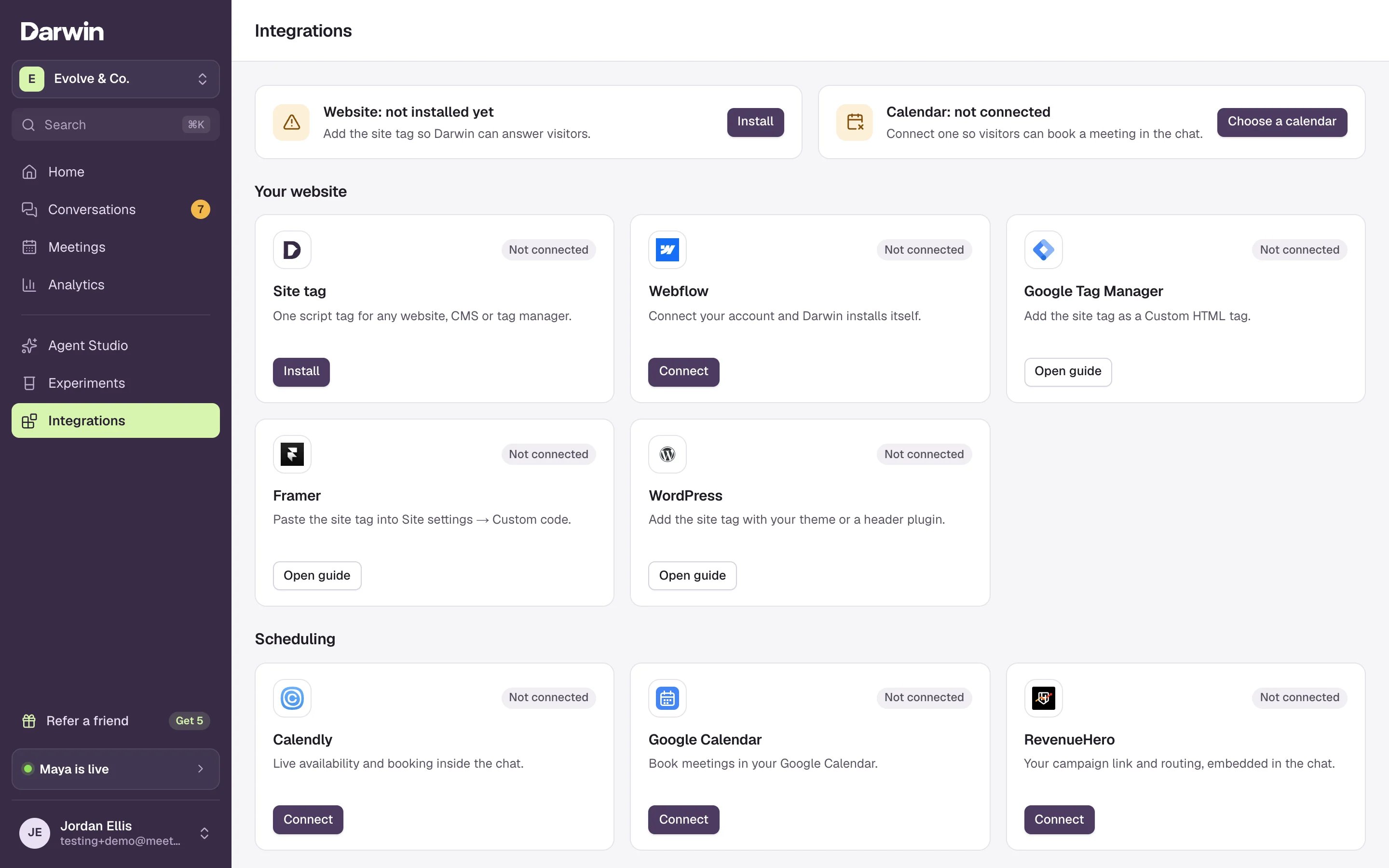
Integrations: website and calendar status at the top, then a card for each integration.
Your website
Where Darwin runs. Install it once and every page is covered.Install the chat on your website
The site tag works on any website, CMS or tag manager.
Webflow
Connect your account and Darwin installs itself.
Google Tag Manager
Add the site tag as a Custom HTML tag.
Framer
Paste the site tag into your site’s custom code.
WordPress
Add the site tag with your theme or a header plugin.
Scheduling
Where meetings get booked. One provider handles new bookings at a time.Calendly
Live availability and booking inside the chat.
Google Calendar
Book meetings straight into your Google Calendar.
RevenueHero
Your campaign link and routing, inside the chat.
Video calls
Where the meeting happens. New bookings get the provider’s link.Google Meet
Comes with Google Calendar. Nothing extra to connect.
Zoom
Zoom links on your Google Calendar bookings.
CRM & automation
Where leads go next.Zapier
Send leads, meetings and requests for a person to thousands of apps.
Send leads to your CRM and tools
Ready-made Zaps for HubSpot, Salesforce, Slack and more.
API and webhooks
Keys, webhooks and website identity for your own code.
AI assistants and Chrome
Work with Darwin from the tools you already use.Claude, ChatGPT or Cursor
Ask about your chat’s results and let the assistant update the agent.
Chrome plugin
See each page’s results and tests while you browse your site.
Good to know
- Only workspace owners and admins can connect or disconnect an integration. Members can see the cards.
- Google Meet and the Chrome plugin have no card on this screen: Meet is chosen in the Google Calendar booking rules, and the plugin is installed from the Chrome Web Store.