> ## Documentation Index
> Fetch the complete documentation index at: https://docs.meetdarwin.ai/llms.txt
> Use this file to discover all available pages before exploring further.
# Get started with Darwin
> How to go from sign-up to a live Darwin chat: create your account, then set up with Darwin's help in chat or on your own. Both paths cover the same five steps on Home.
Getting Darwin live on your website takes three parts: an account, five setup steps, and a check that everything works. Setup usually takes a few minutes.
Sign up with Google or your email, choose a plan and verify your email. Origin, the free plan, needs no card. See [Create your account](/getting-started/create-account).
A new workspace opens on **Home** with a **Get Darwin live** checklist of five steps: **Assistant**, **Scheduling**, **Try your agent**, **Connect your website** and **Go live**. Pick how you want to do them.
 Try a few questions in Agent Studio's preview, then turn your agent live. The [go-live checklist](/installation/launch-checklist) covers what to check before you tell anyone.
## Choose how to set up
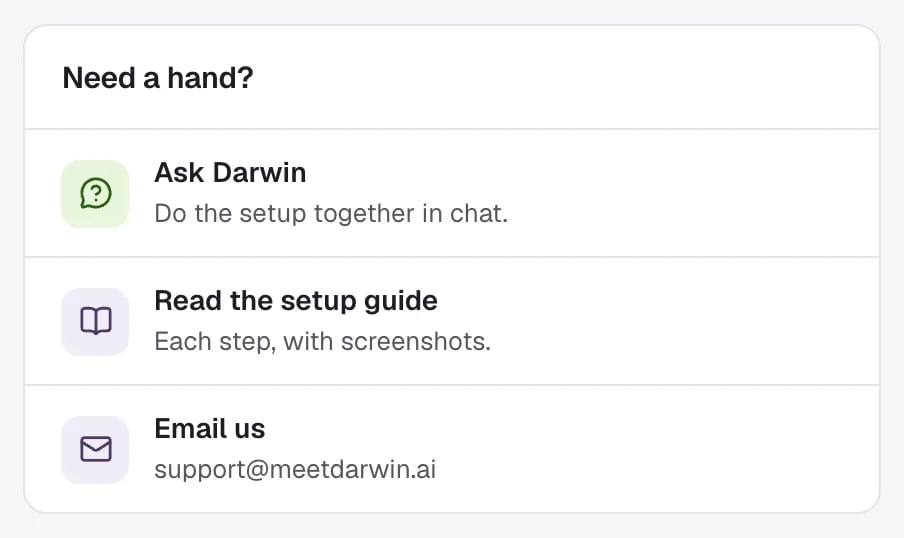
Both ways finish the same five steps, and progress is shared: whatever you save in Darwin's settings counts in the chat, and the other way round. You can switch at any time.
Darwin asks a few questions in chat, writes your opening line and points you to each screen.
Close the chat and follow five short guides, one per step, with screenshots.
## Good to know
* Setup is for workspace owners and admins. Darwin's setup chat isn't available to members.
* Until you go live, the sidebar shows **Not live yet** with how many steps are done.
* New to the app? [A quick tour of Darwin](/getting-started/find-your-way) explains each screen in the sidebar.
This documentation is built and hosted on [Mintlify](https://mintlify.com), a developer documentation platform.
Try a few questions in Agent Studio's preview, then turn your agent live. The [go-live checklist](/installation/launch-checklist) covers what to check before you tell anyone.
## Choose how to set up
Both ways finish the same five steps, and progress is shared: whatever you save in Darwin's settings counts in the chat, and the other way round. You can switch at any time.
Darwin asks a few questions in chat, writes your opening line and points you to each screen.
Close the chat and follow five short guides, one per step, with screenshots.
## Good to know
* Setup is for workspace owners and admins. Darwin's setup chat isn't available to members.
* Until you go live, the sidebar shows **Not live yet** with how many steps are done.
* New to the app? [A quick tour of Darwin](/getting-started/find-your-way) explains each screen in the sidebar.
This documentation is built and hosted on [Mintlify](https://mintlify.com), a developer documentation platform.